Why spammy subject lines are a problem
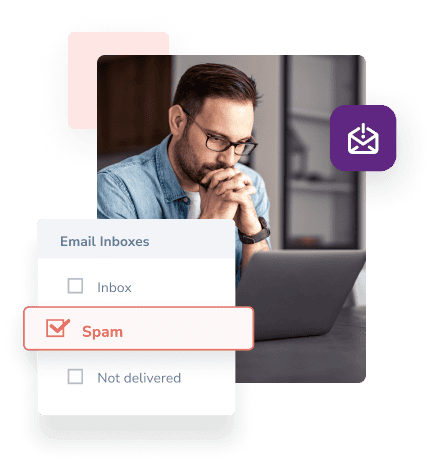
Email providers use their own systems to catch spam. These tools are designed to block scammers who send misleading or harmful emails to trick people or steal their information.
One common method they use is scanning for spam words. If your subject line includes certain words, your email could automatically end up in the spam folder, even if it is legit.
How The Email Subject Line Checker Works
Our free tool checks your subject line against a list of common spam trigger words. Email providers aim to block spam, so they’re open about which words might set off their filters.
The tool highlights any spammy words in your subject line and shows you how many there are compared to safe words. The more spammy words, the more likely your email will end up in the spam folder.
Examples of spammy words:
- ✔ Cheap
- ✔ Debt
- ✔ Eliminate debt
- ✔ Trial Offer
- ✔ Prize
- ✔ You won!
- ✔ Bonus
- ✔ Read this
- ✔ Prescription
- ✔ Invest
Tips for Writing Safe and Effective Email Subject Lines
So, what should you keep in mind when creating subject lines for email marketing?
Follow these easy email tips:
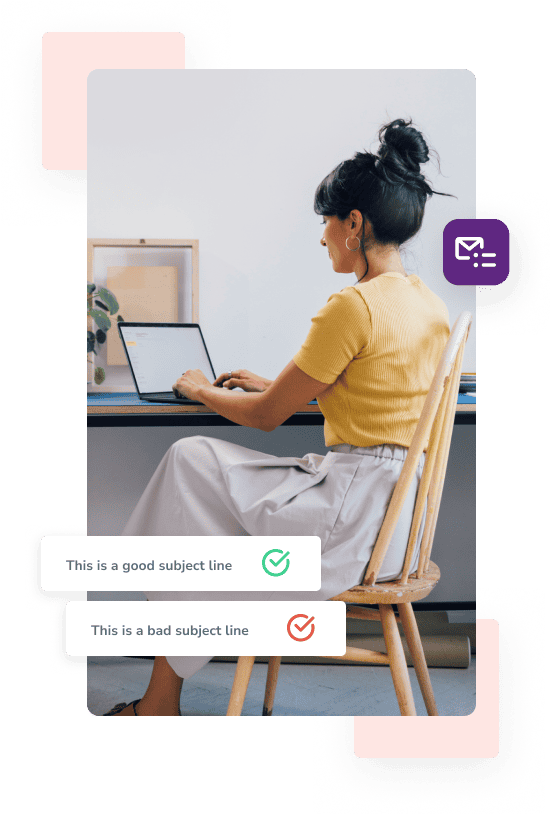
Go straight and informative
Everyone likes to include a little clickbait in their subject line. A hint of mystery is okay (and practical), but readers should always understand what is within your email.
Readers should be able to tell from your email subject lines whether they are looking for an offer, an announcement, an update, or another description that explains how the email will benefit them. Email service providers will also conduct checks to help users avoid spam emails.

Don’t go over the character limit
There is no penalty for going over the character limit, and it won’t trigger spam filters. But keeping your subject line short helps make sure it shows up fully in inboxes, and keeps your message clear and easy to read.
Modify it who is reading
Personalization is a common email tip, and for good reason. While you don’t need to customize every single email, making it feel more personal can boost open rates.
It’s not just about using someone’s name. People can tell when an email is generic vs. when it’s made with them in mind.
Before you write your next subject line, ask yourself:
- Who’s this for?
- What do they need or care about?
- How can I help them?
If your subject line feels too general, they might not even open it. Show them it’s worth their time.

Want to check how your email performs?
Run a free Inbox Placement Test now!
Look at these email deliverability tools to help you avoid spam email folders

Warmup
Still ending up in spam?
Your subject line might be fine, but your sender reputation could be the problem. We’ll warm up your domain by sending emails and building real engagement for you.
Inbox Placement Testing
Check how your email performs across 20+ popular services like Gmail, Outlook, Yahoo, and more, so you can stay out of the spam folder.

Email Server Testing
Check that an email server configuration problem isn't blocking you from seeing your inbox.
Run 200+ tests on your email server today, for free.

Blacklist Monitoring
Still ending up in spam? Your domain might be on a blacklist.
Create a free account to start tracking your domain — no cost, no hassle. 1 free monitor included (checks every 24 hours)

DMARC monitoring
Securing your email and authenticating your identity will keep emails out of spam and improve email open rates.
Set up a new DMARC policy today and monitor all outgoing emails sent from your business domain.

Free Email Verifier
Stop bounces and protect your sender reputation. Use our free email checker to see if an email address is real and safe to use.
Get details like domain info, social data (when available), and more, all in one quick check.
See our Email Deliverability Toolkit for quick tips
Keep your emails out of spam folders
Use our free subject line checker to spot spammy words. Click above to test your subject line, and don’t forget to bookmark this page for quick access!
Explore more free email marketing tools
Boost your email open rates with FareOf's deliverability tools
Sign up for free