Spam complaint rate checker
Increase email deliverability
A high spam complaint rate can hurt your email success, leading to more bounces and lower ROI.
Use our free tool to estimate how much you can reduce spam complaints with email validation.
Try it nowSpam complaint rate reduction tool

What do you mean by spam complaint rate?
Your spam complaint rate shows how often subscribers mark your emails as spam.
People usually report emails as spam for these reasons:
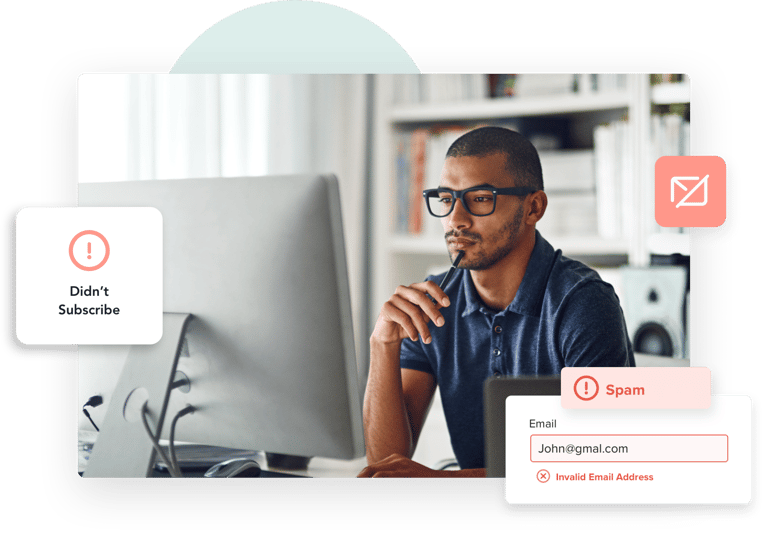
- They never signed up for your emails.
- There is no working unsubscribe link.
- They unsubscribed but still get emails
- They report it as spam instead of subscribing
It is important to know when and why you get spam complaints because too many can damage your email sender reputation.
What do you mean by average spam complaint rate?
Unlike bounce rate, open rate, or click rate, which vary by industry, your spam complaint rate should always stay low.
No matter the industry, keep your spam complaint rate below 0.1%, that is more than 1 complaint per 1,000 emails.
Email marketing metrics help you understand how well your content connects with your audience. Spam complaint rates, for example, show whether you are following the right (legally required) practices by sending emails only to those who subscribed.
High spam complaint rates can damage your sender reputation
Email providers take spam seriously, and even a small complaint rate typically above 0.1% can be a red flag. However, different providers have their own limits for what they consider too much spam.
If you use email services like Mailchimp, ActiveCampaign, or Campaign Monitor, they will notify you if your campaign receives too many spam complaints.
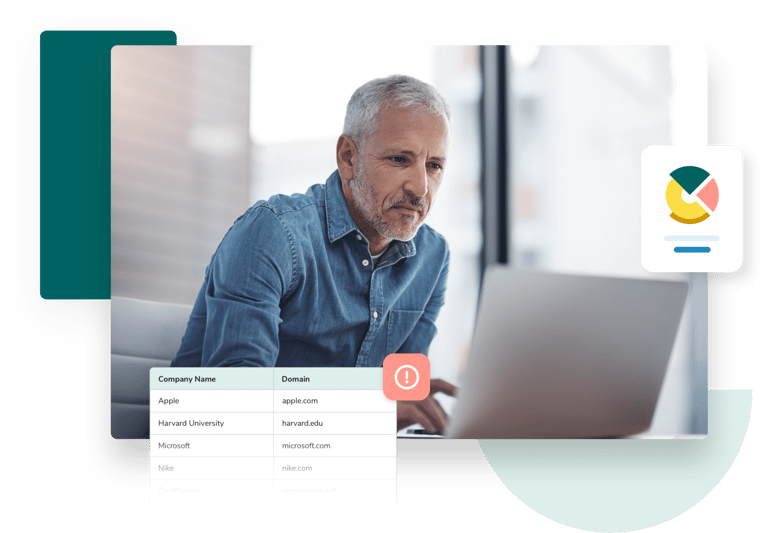
A high spam compliant rate can make people question how you collect email contacts, whether you provide an easy way to unsubscribe, and if you regularly clean your email list. It damages your sender reputation and groups you with spammers that internet providers try to block.
A bad sender reputation makes it harder for your emails to reach people
If you get too many spam complaints, email providers may start marking your emails as spam automatically. Even if your content is good, your emails might go straight to the spam folder or get blocked, leading to more bounces.
When emails do not reach inboxes, fewer people open and click them, hurting your marketing results. If spam complaints continue, services like campaign monitor could even suspend your account.
If your emails are not getting delivered, check your spam rate to fix the problem.
How to use the spam rate calculator
Not sure if spam complaints are an issue for you? Try our spam complaint rate calculator.
Here is how:
1. Enter the number of emails you sent in a campaign. You can use the exact number or an estimate based on your usual email sends.
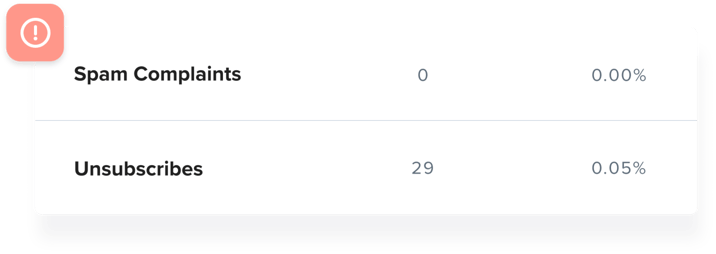
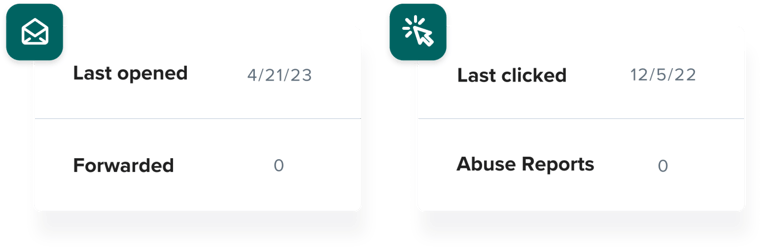
2. Find your spam complaint rate. This is usually labeled as “spam complaint” or “abuse” in your email provider’s reports. Enter that number into the calculator.
3. Click calculate to see your spam complaint rate.
Understanding your results
Once you get your results, we will help you take the next steps.
If your spam complaint rate is 0.1% or lower, you are doing well
If it is higher, we will show you how cleaning your email list can reduce
- If your spam complaint rate is 0.1% or lower, you’re doing well.
- If it’s higher, we’ll show you how cleaning your email list can reduce spam complaints and improve your email marketing performance.
Your spam rate is good. However, there is room for improvement by using ZeroBounce email validation.
Estimated reduced spam complaints
0
A spam complaint rate of 0.1% or lower is ideal.
If your rate is too high, we will recommend steps to fix it. Using email validation, FareOf can help reduce spam complaints by up to 30%, improving your email deliverability.
Your spam rate is very poor. Your emails risk being flagged and blocked. We highly recommend you use ZeroBounce email validation.
Estimated reduced spam complaints
240
Reduce spam complaints with email validation
If your spam is too high, here are some simple ways to lower it after using our spam rate calculator.
How to lower a high spam complaint rate
Use FareOf email validation
The quickest way to reduce spam complaints is by regularly cleaning your email list. FareOf email validation helps remove invalid emails that bounce and detects users who frequently mark emails as spam.
Some people have a history of reporting emails as spam, even when they signed up. FareOf identifies these “abuse emails” so you can remove them before sending your campaign. This helps prevent spam complaints before they happen and improves your email deliverability.
Keep your email bounce rate low
Email validation also helps lower complaints by reducing your bounce rate to 2% or less. Fewer bounces mean better email deliverability and a stronger sender reputation, reducing the chances of your emails landing in spam.
When emails reach the inbox, they look more legitimate and trustworthy. This makes people less likely to mark them as spam. And if someone is not interested, they can simply unsubscribe instead of reporting your email.
Include an unsubscribe link in your emails
Always add an unsubscribe link to your emails. It is so important that most email platforms won’t let you send a campaign without one.
The CAN-SPAM Act requires you to email only those who have given clear permission and to provide a simple way for them to opt out anytime.
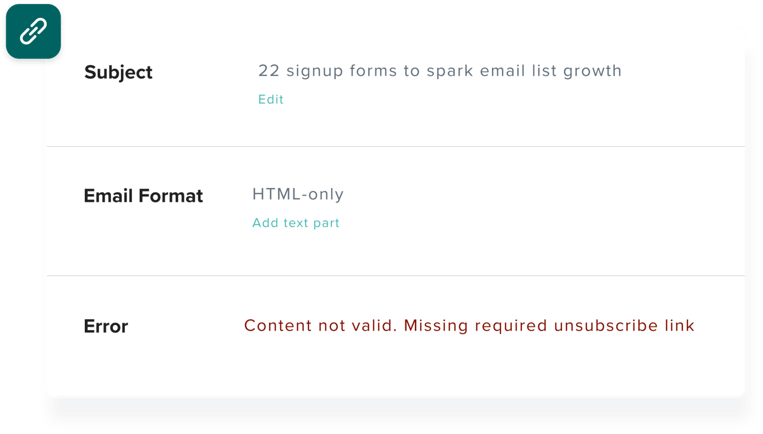
Unsubscribe links are a must
Always include an unsubscribe link in your emails. Most email providers require it. If you do not, people may mark your emails as spam or even report your business to the FTC.
Use double opt-ins to reduce spam complaints
Even with a clean email list and great content, some people may still mark your emails as spam.
This often happens when someone signs up for a freebie or one-time offer and forgets they subscribed. Instead of unsubscribing, they report your emails as spam.
To prevent this, use a double opt-in for all email sign-ups. After entering their name and email, they should receive a confirmation email that explains:
- They are signing up for your emails
- Who the email list belongs to
- What kind of content they will receive
This extra step helps filter out people who are not really interested, keeping your spam complaint rate low.
Enhance your email deliverability with FareOf
Your email provider may track spam complaints, but FareOf helps you stop them.
With email validation, you can quickly detect invalid emails, frequent spam reporters, catch-all emails, toxic domains, and spam traps. Regularly cleaning your email list is affordable and helps lower your bounce rate while improving email deliverability.
Checkout these free email deliverability calculators
FAQs
A spam complaint happens when someone marks an email as spam in their inbox, spam folder or promotions tab. This tells email providers that the user did not willingly sign up, and the sender might be breaking CAN-SPAM Act rules.
The spam complaint rate is the percentage of emails that recipients mark as spam. You can check this rate in your email campaign reports after sending a campaign.
The ideal spam complaint rate is 0.1%, meaning 1 complaint per 1,000 emails. While this is the safest limit, some email providers may allow up to 0.5%.
You can decrease your spam complaint rate by:
- Cleaning your email list regularly with email validation.
- Including a clear unsubscribe link so users can opt out easily.
- Using double opt-in to confirm subscriptions
- Sending rl
- event content that matches your subscribers’ interests.
You can find your spam complaint rate in your email service provider’s campaign reports, usually alongside open, click, and bounce rates. Some providers call “abuse reports.”
Our spam rate calculator checks if your rate is safe, risky, or too high. Based on our metrics, it also estimates how many spam complaints you can reduce with FareOf email validation.
Increase your email click-to-open rates with FareOf
Sign up today!
Begin with a free trialReceive 100 free and quick email validation credits